

New Trending AI Prompts: 7 Midjourney AI Photo Editing Prompts for Boys to Create Ultra-Realistic Studio Style Portraits

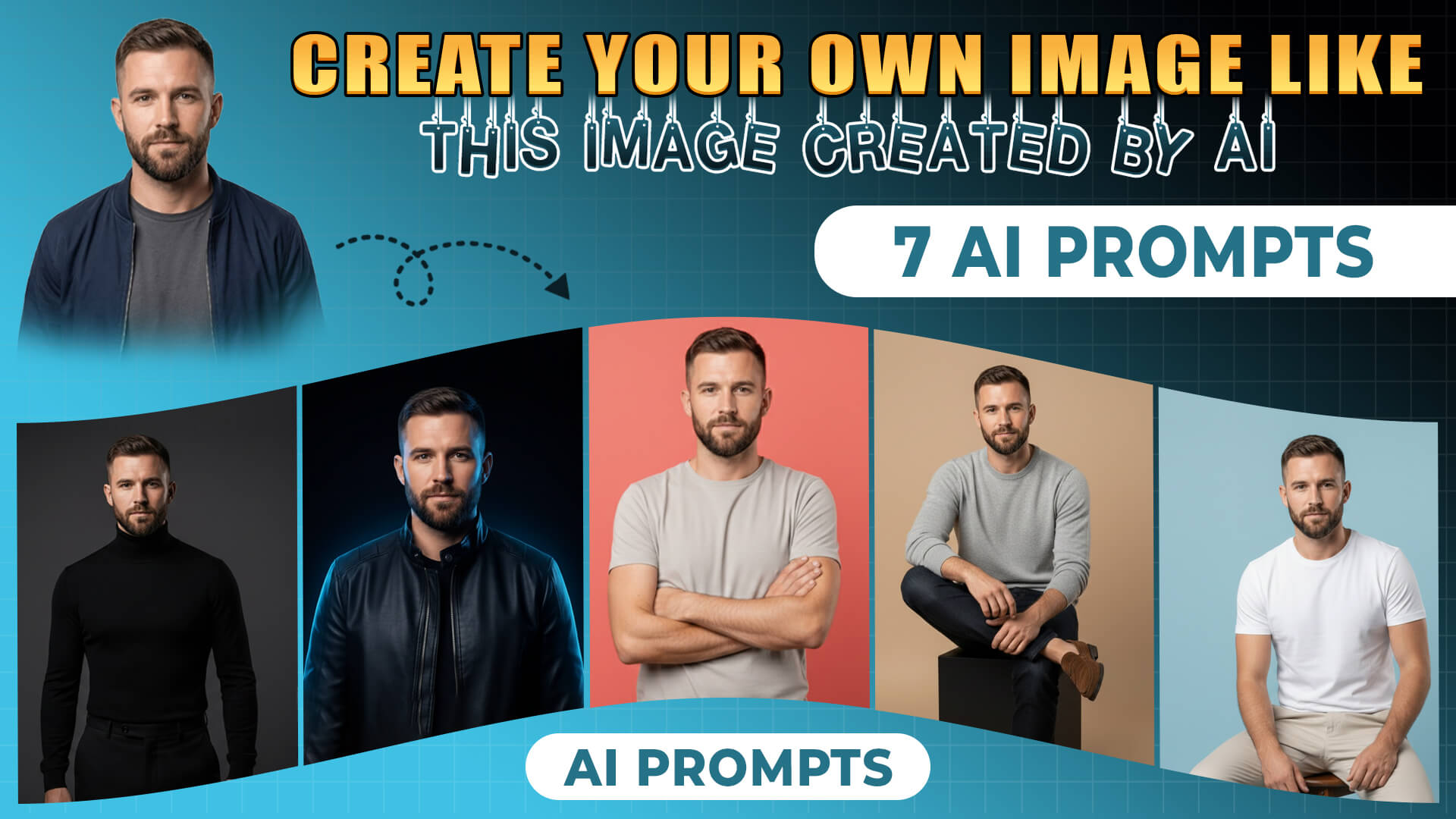
Transform your photos into stunning, viral AI avatars with these trending editing prompts. Discover how to create ultra-realistic studio portraits perfect for Instagram, using tools like Bing Image Creator.
Level Up Your Social Media with AI-Powered Photo Editing
In today’s fast-paced digital landscape, standing out on social media is more crucial than ever. Gone are the days of simple filters; now, the power of Artificial Intelligence is transforming how we create and share visual content. Imagine crafting ultra-realistic studio portraits or dynamic avatars that capture attention and go viral. This isn’t science fiction – it’s the reality of AI photo editing, and it’s more accessible than you think.
Why is AI Photo Editing Trending Now?
The explosion of AI image generation tools has democratized creativity. Platforms like Midjourney, Bing Image Creator, and others are empowering everyday users to produce professional-grade visuals with simple text prompts. This trend is fueled by:
- Accessibility: No need for expensive software or years of training.
- Speed: Generate multiple concepts and variations in minutes.
- Uniqueness: Create truly original content that breaks through the noise.
- Engagement: Visually striking content is highly shareable and boosts likes, comments, and followers.
From Simple Photos to Studio-Ready Portraits: A Midjourney Guide
Transforming a regular photo into a premium studio-style portrait is now achievable without ever stepping into a professional studio. The secret lies in crafting precise AI editing prompts that guide the AI to replicate the look and feel of a high-end photoshoot. Here’s how you can do it:
Getting Started with Midjourney
- Join the Discord: Ensure your Midjourney subscription allows for image generation and join their Discord server.
- Upload Your Base Image: Upload a clear, well-lit portrait of the subject to the Discord server.
- Craft Your Prompt: Type `/imagine`, paste the link to your uploaded image, and then append your chosen studio-style prompt. Be specific about age, hairstyle, outfit, and desired style (e.g., “ultra-realistic studio portrait”).
- Add Parameters: Enhance realism and control aspect ratios with parameters like `–ar 3:4` or `–ar 4:5`, `–style raw`, and the latest `–v` version.
- Generate and Refine: Hit enter, review the four generated options, and upscale the best one. If needed, tweak the prompt (e.g., adjust lighting or backdrop color) and generate variations.
- Final Touches: Download your masterpiece and make minor brightness or contrast adjustments in a basic photo editor if necessary.
Trending AI Photo Editing Prompts
Here are some prompt ideas, inspired by current trends, that you can adapt for Bing Image Creator to generate stunning AI avatars. Remember to be as descriptive as possible, specifying details like lighting, background, style, and even the mood you want to convey.
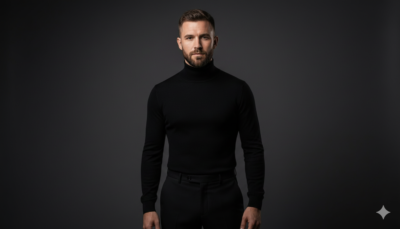
Prompt 1: Studio Fashion Portrait with a Twist
A young man in a high-fashion studio setting, wearing a sleek black turtleneck and tailored trousers. Dramatic side lighting sculpts his features against a deep charcoal-grey backdrop. Ultra-realistic textures and cinematic contrast.
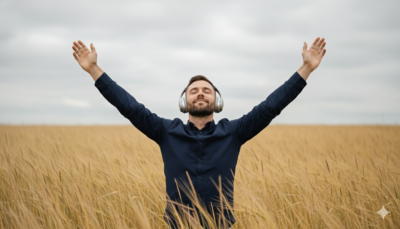
Prompt 2: Serene Nature-Inspired Avatar
A young man’s portrait amidst a field of tall, golden grass under a soft, overcast sky. He wears a dark navy button-down shirt and silver headphones, with his arms raised towards the sky, eyes closed in peaceful immersion. Ultra-realistic skin texture, capturing a mood of freedom.
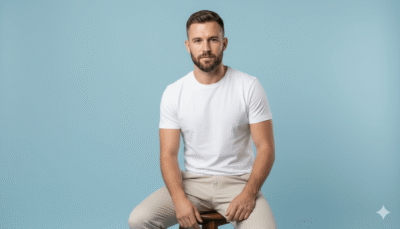
Prompt 3: Minimalist Color-Block Portrait
A clean studio portrait of a young man sitting on a matte wooden stool against a pastel blue backdrop. He wears a fitted white t-shirt and beige chinos. Soft, diffused studio lighting creates sharp facial detail and a shallow depth of field. Calm expression, looking directly at the camera.
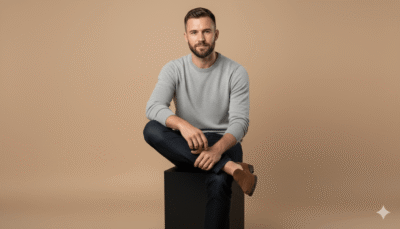
Prompt 4: Soft Beige Lifestyle Studio Portrait
A young man sitting casually on a low studio cube against a warm, neutral beige background. He wears a light knit sweater and loafers, with a gentle smile. Soft front lighting illuminates smooth skin tones and realistic shadows. Natural, relaxed posture.
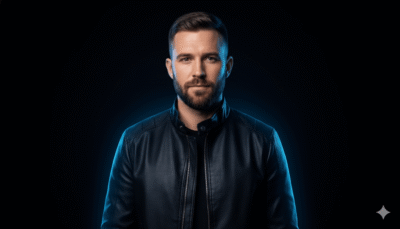
Prompt 5: Creative Neon Rim-Light Avatar
A dynamic portrait of a young man against a deep black studio backdrop. Subtle neon rim lights outline his shoulders and hair in electric blue. He wears a modern streetwear jacket. Sharp focus, cinematic glow, and ultra-realistic facial detail.
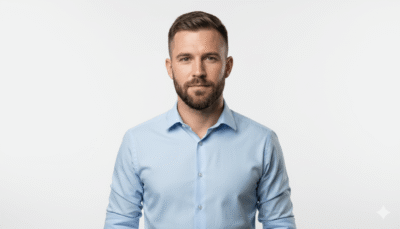
Prompt 6: Clean White Editorial Studio Shot
A polished studio shot of a young man standing against a pure white seamless backdrop. He’s in a crisp button-down shirt with rolled sleeves. Even, flattering studio lighting creates a professional, ultra-realistic look with relaxed posture.
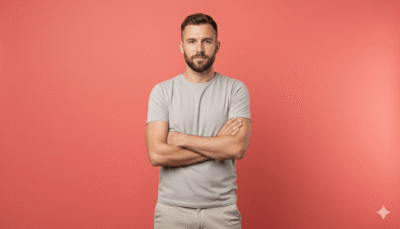
Prompt 7: Vibrant Pop Studio Portrait
A young man posing confidently against a vibrant coral studio background. He wears a neutral outfit to create a striking contrast. Arms crossed lightly, with bright but controlled studio lighting enhancing ultra-realistic skin texture. Trendy and eye-catching.
Pro Editing Tip for Amplifying Your AI Creations
While AI image generators are incredibly powerful, a final touch in a basic photo editor can elevate your work even further. After downloading your AI-generated image, consider making subtle adjustments to brightness, contrast, and saturation. Sometimes, a slight increase in sharpness can bring out the intricate details. These minor tweaks can push your AI creation from good to absolutely spectacular and ready for viral distribution.
The possibilities with AI image creation are virtually endless. By understanding how to craft effective prompts and utilizing tools like Bing Image Creator, you can produce stunning AI avatars that capture attention and drive engagement. Start experimenting today and see where your creativity takes you!